← John's Repo
Triggr
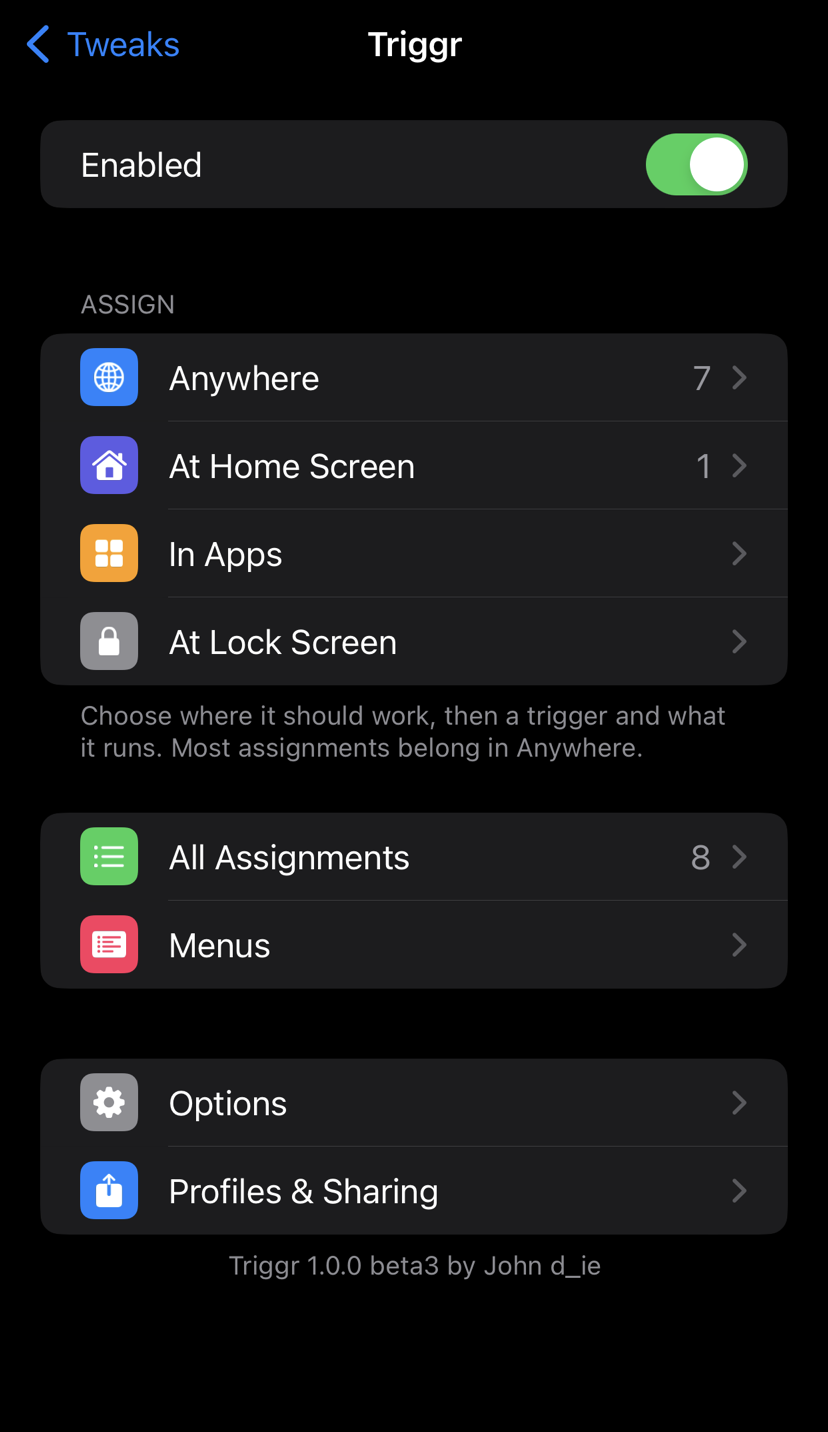
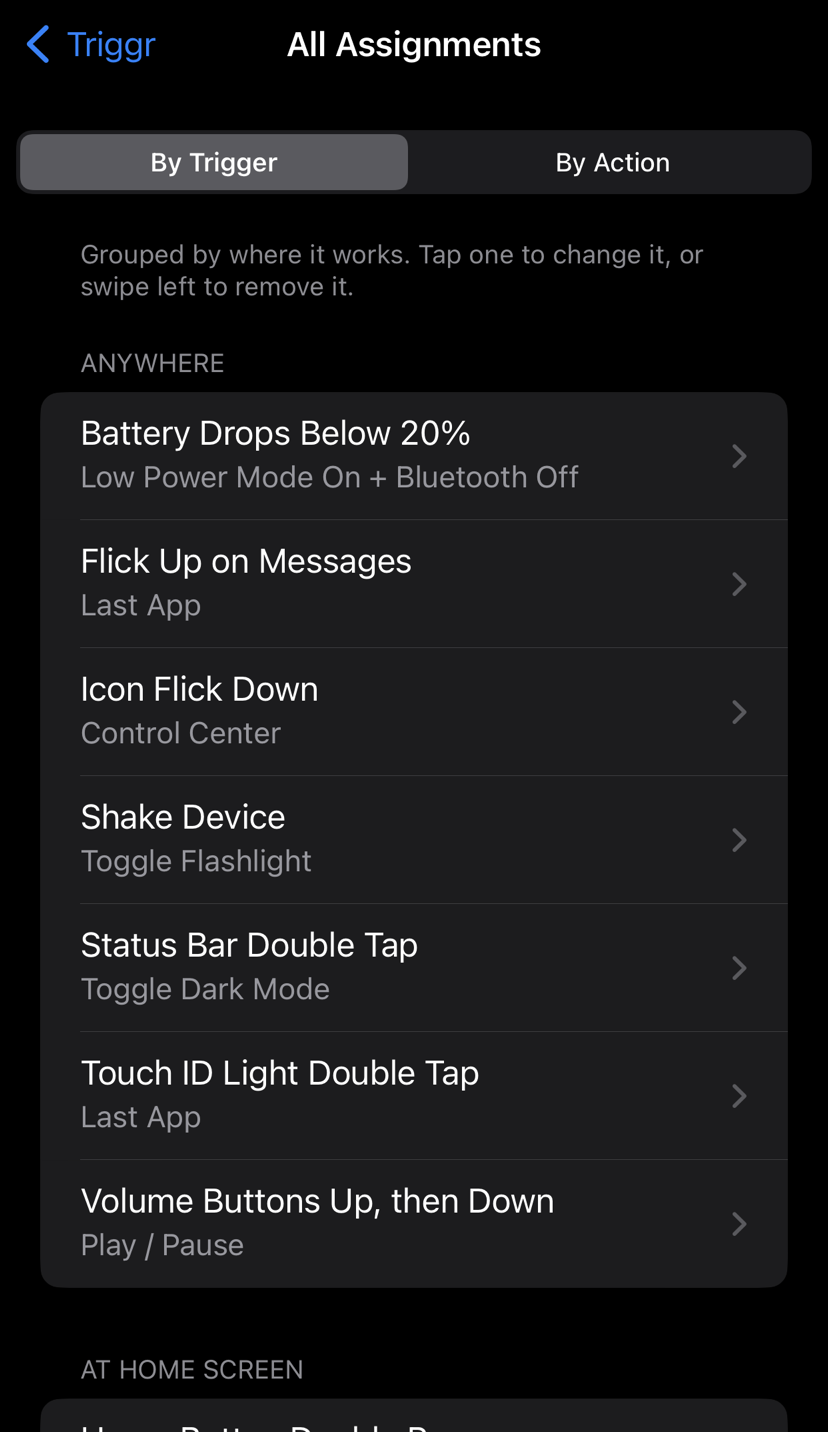
An Activator-lite for rootless Dopamine. Pick a trigger, pick what it runs, in Settings → Triggr. Triggr only changes a button when you assign something to it.
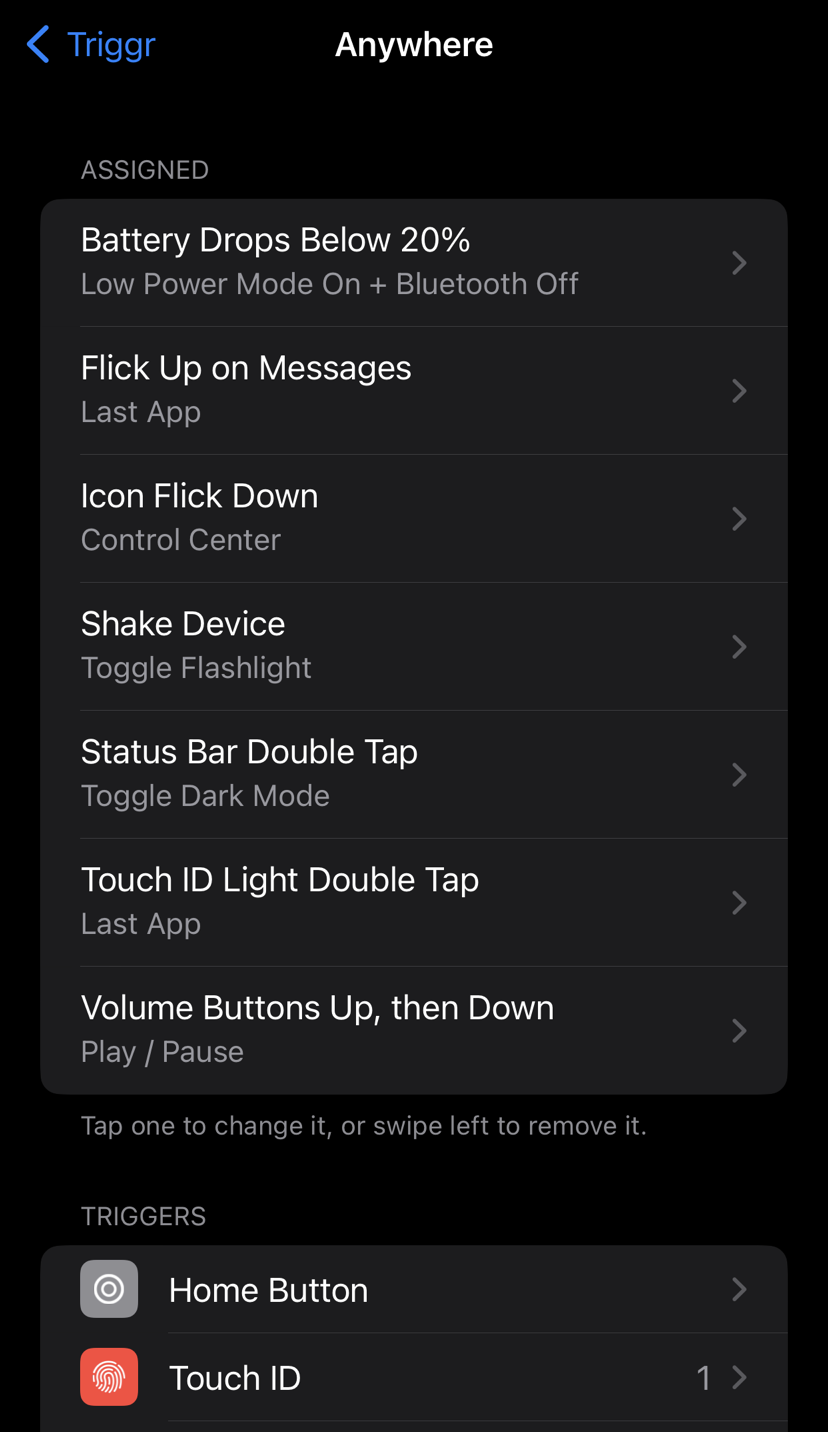
- Triggers: Home button (single, double, triple, short and long hold), Touch ID light double tap, lock button (single, double, triple, hold), volume buttons (presses, holds, up-then-down, both), mute switch, status bar taps, Home Screen icon flicks (any icon or one app's icon), shake, charger and headphones, Wi-Fi / Bluetooth / Low Power / lock / screen changes.
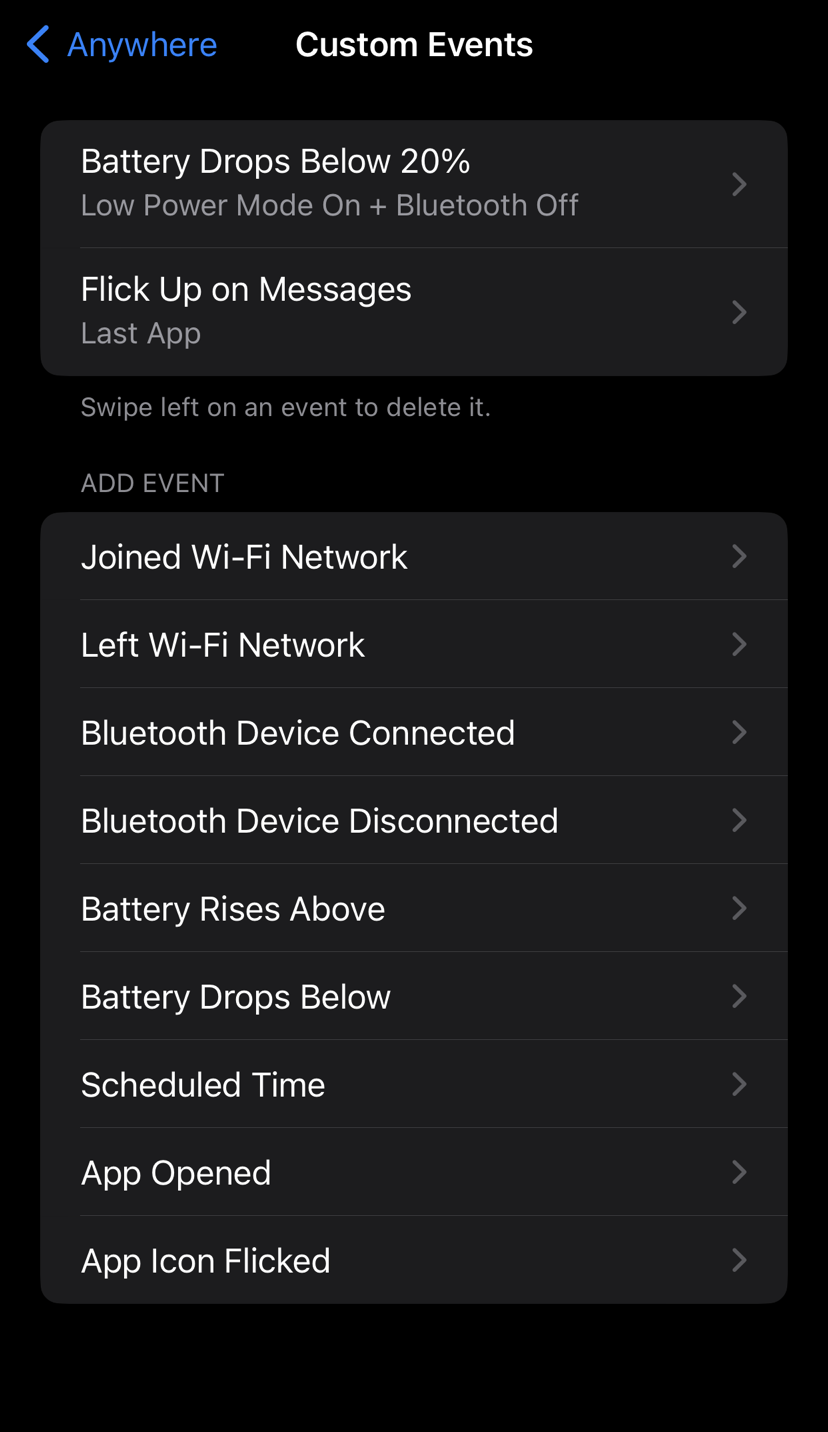
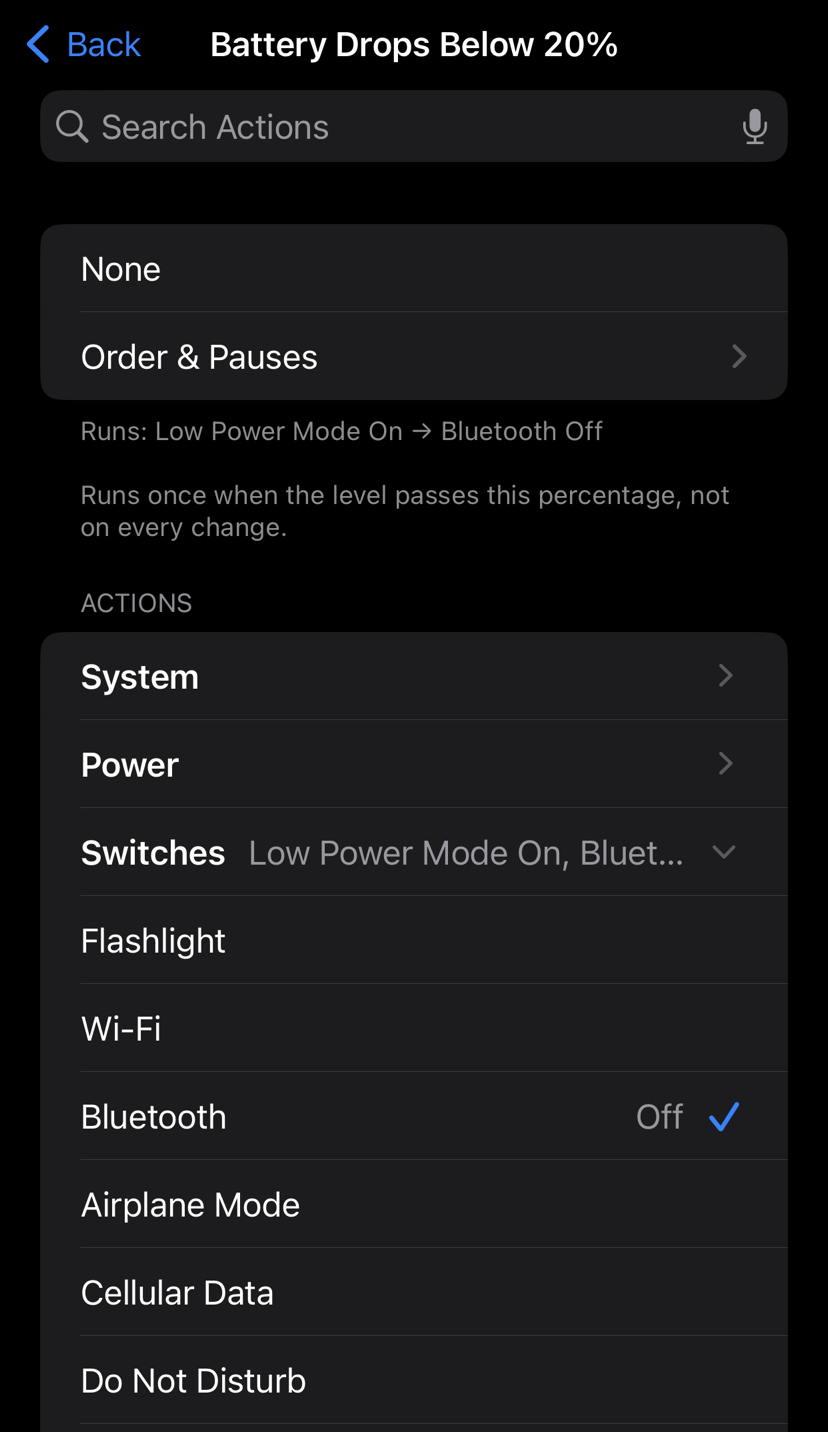
- Custom events: a specific Wi-Fi network or Bluetooth device, battery level, an app opening, a time of day.
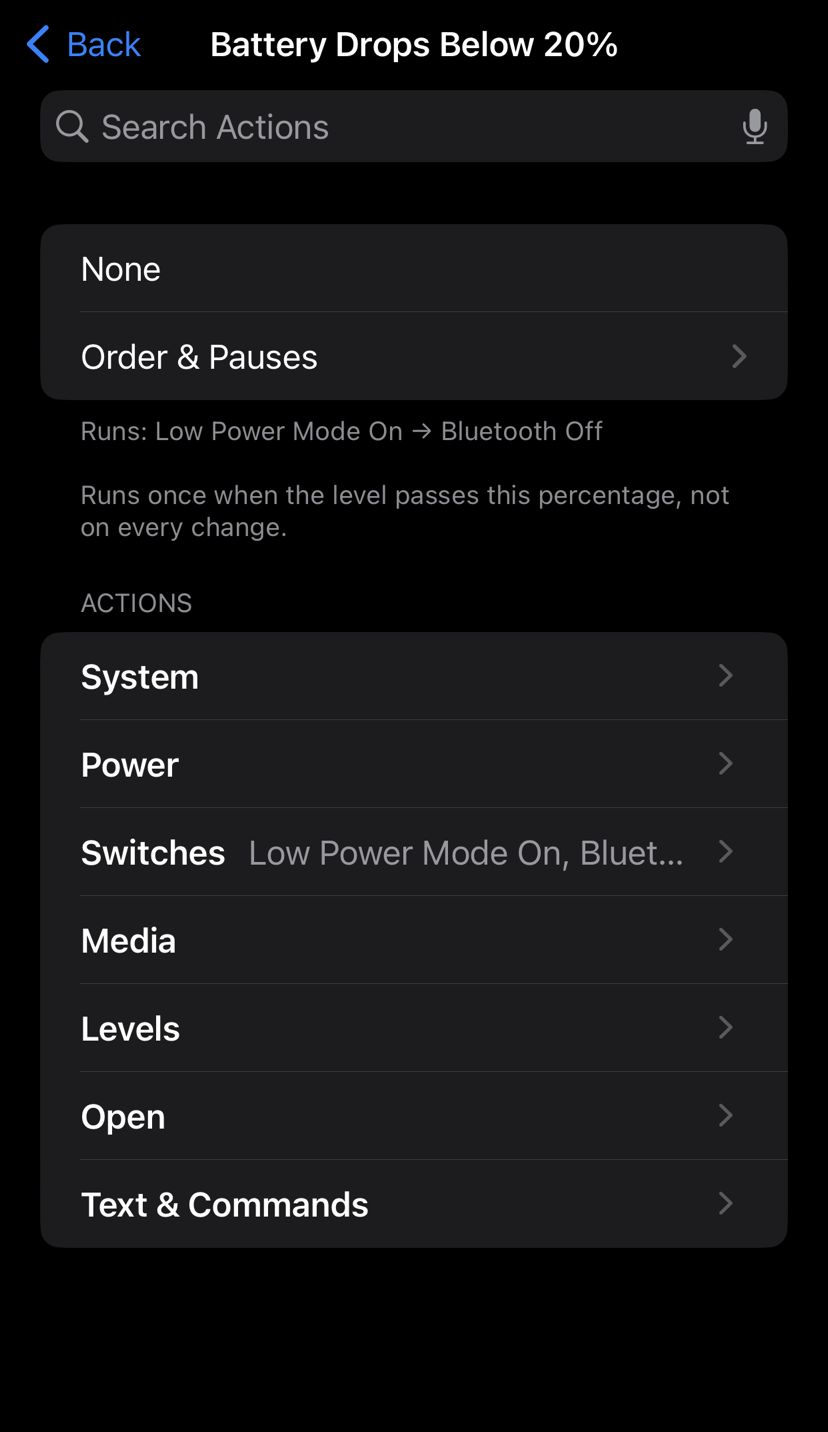
- Actions: Home, App Switcher, Last App, Quit App, Control Center, Notification Center, Spotlight, Siri, screenshot, Sleep, Lock, Respring, Power Off Slider, Safe Mode, Restart, Power Off; switches for Flashlight, Wi-Fi, Bluetooth, Airplane Mode, Cellular Data, Do Not Disturb, Low Power Mode, Rotation Lock, Mute, Dark Mode, Night Shift, Auto-Brightness, Keep Screen Awake and Location Services; media controls; brightness and volume levels; apps, URLs, Shortcuts, Settings pages and shell commands; pop-up menus.
- Several actions per trigger, with pauses and reordering.
- Places: Anywhere, Home Screen, In Apps, Lock Screen.
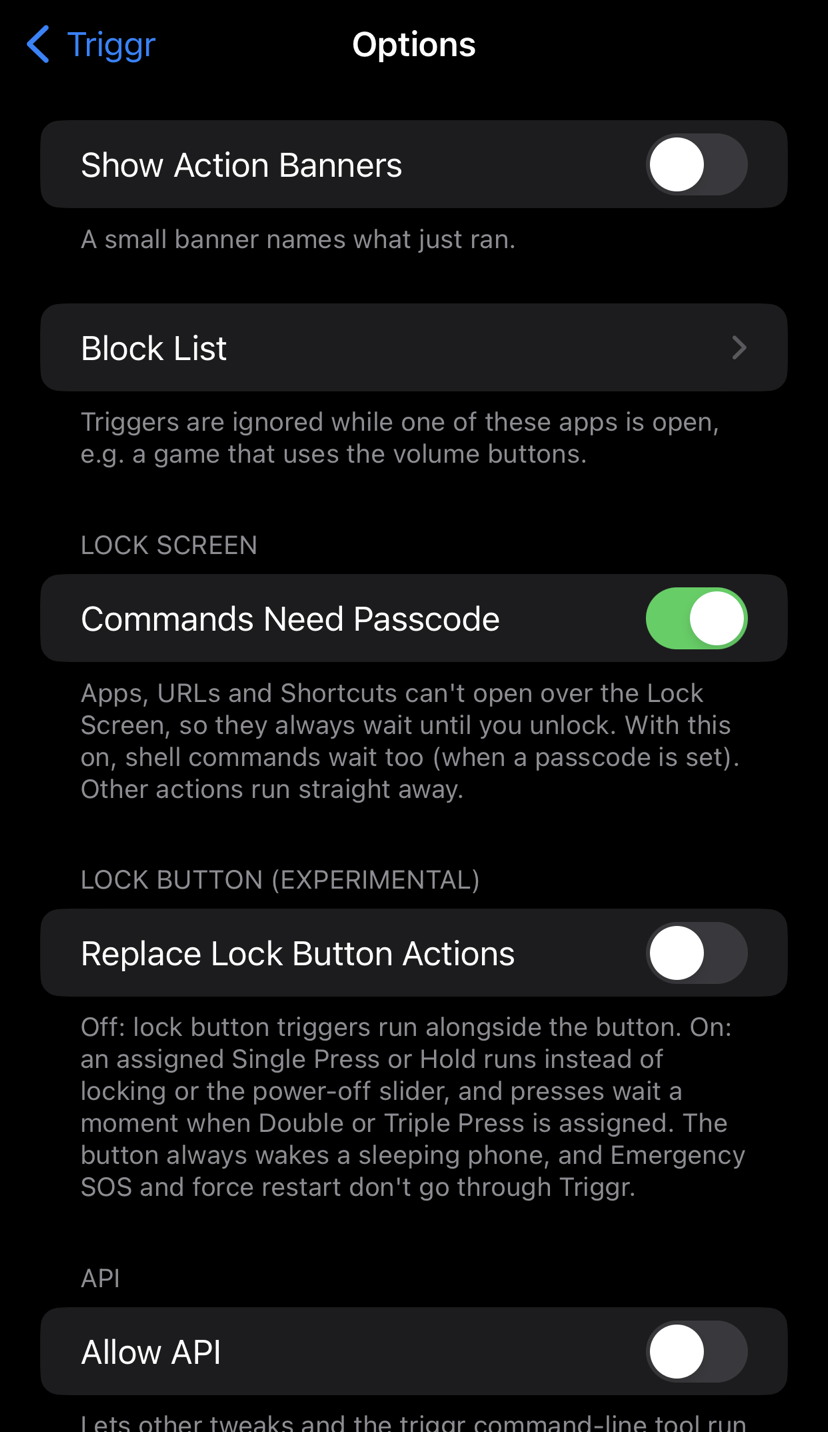
- Extras: block list, action banners, profiles, export / import of setups, an opt-in API and a
triggr command-line tool.
What's New in 1.0.1
- AirPlay: AirPlay Picker opens the system AirPlay menu, Play on iPhone brings the sound back to the phone, and AirPlay To… sends it straight to a speaker or TV you pick from a list (Media).
- Screen Recording: Starts and stops iOS screen recording, like Control Center's button (System).
- Close Background Apps: Clears the App Switcher except the app you're in and the one playing audio (System).
- Status Bar Hold: A new trigger: hold the status bar for half a second, on the Home Screen, Lock Screen and in apps. Tap and Double Tap don't run along with it.
- Tested: Every volume button trigger was tested on a device for this release (press, hold, Up then Down, Down then Up, both, hold both).
Device Support
iOS 15–16, rootless Dopamine. arm64 and arm64e (A12 and newer).
- A12 and newer (iPhone XS / XR and later): included since beta6, not confirmed on a device yet. Phones without a Home button don't see the Home Button or Touch ID triggers, and the lock button is called the Side Button. If it lands you in safe mode, uninstall Triggr from Sileo, and please report how it goes.
- Tested on an iPhone 8 Plus (A11) with iOS 16.7 and an iPhone 7 (A10) with iOS 15.8.6, both on Dopamine.
Feedback
Notes
- Buttons: with Options → Replace Button Actions on (the default), an assigned press runs instead of the button's own action; add the matching action (like Sleep for the lock button) to keep it too. Emergency SOS, waking and force restart are left to iOS, but check SOS still starts if you rely on it.
- Restart and Power Off act at once and turn the jailbreak off until you run Dopamine again.
- Safe Mode uses ElleKit's own Safe Mode; leave it from its Safe Mode screen.
- Requires AltList (BigBoss) and PreferenceLoader; Sileo installs them automatically.
Credits
Original work by John d_ie, inspired by Activator (Ryan Petrich). Developed with AI assistance (Claude Code) and tested on-device.